
6 Ways to Safely Use Telehealth Services
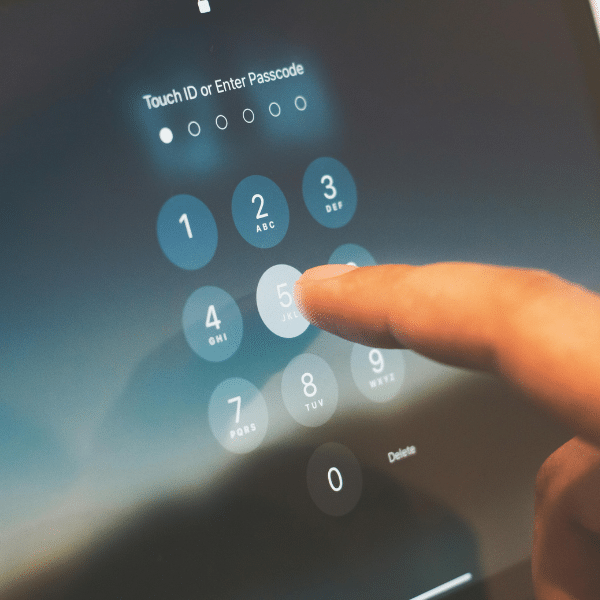
Safely use telehealth services to protect your privacy and health online.
Telehealth has revolutionized healthcare by allowing providers to diagnose, treat, and communicate with patients remotely through phone or video. It’s a convenient alternative to in-person visits, saving time and reducing barriers to care. However, as telehealth grows in popularity, so do the risks. Cybercriminals see telehealth platforms as potential entry points to access sensitive medical information.
As more appointments move online, protecting your digital privacy is just as important as protecting your health. A few simple precautions can significantly reduce your risk of data breaches, unauthorized access, or disruptions during your visit. Knowing how to safely use virtual options helps ensure your care remains confidential, secure, and effective.
Whether you’re a client, provider, or simply exploring virtual care options, understanding how to safely use telehealth services is essential. Here are six practical steps to protect your personal information and ensure a secure experience.
Learning How to Safely Use Telehealth Services
1. Keep Your Device Up-to-Date
Your smartphone, tablet, or computer is the gateway to telehealth. Make sure it’s running the latest operating system and security patches. Update all applications, not just the telehealth app you are using, because any outdated app can become a vulnerability. If hackers gain access to your device, your medical data could be exposed.
2. Use Strong Authentication
Most telehealth platforms require a username and password, but don’t stop there. If Multi-Factor Authentication (MFA) is available, enable it. MFA adds an extra layer of security by requiring a second verification step, such as a code sent via text message or an authentication app. This makes it much harder for cybercriminals to access your account.
Here are some authentication apps that PC Mag recommends to help encrypt your credentials and protect yourself against data breaches.
3. Connect Through a Secure Network
Avoid public Wi-Fi when using telehealth services. Public networks are often unsecured and can allow attackers to intercept your data. At home, secure your router with a strong password; never use the default one. For maximum protection, consider using a Virtual Private Network (VPN), which encrypts your internet traffic and keeps your information safe.
4. Verify the Telehealth Platform
Before your appointment, confirm that you’re using the official telehealth platform recommended by your provider. Scammers often create fake websites or apps that mimic legitimate services. Look for HTTPS in the web address and download apps only from trusted sources like the Apple App Store or Google Play.

5. Protect Your Environment
Privacy isn’t just digital, it’s physical too. Choose a quiet, private space for your telehealth session to prevent others from overhearing sensitive conversations. If you’re using shared devices, log out after your session and clear any saved credentials.
6. Be Cautious with Personal Information
During your telehealth visit, share only what’s necessary for your care. Never provide financial details or Social Security numbers unless absolutely required and verified by your provider. Legitimate telehealth platforms will not ask for unnecessary personal information.
Why Security Matters in Telehealth
Healthcare data is among the most valuable information for cybercriminals. A breach can lead to identity theft, insurance fraud, and other serious consequences. By following these steps, you can safely use telehealth services and enjoy the convenience of virtual care without compromising your privacy.
For additional information on how to protect your data and privacy for telehealth appointments, read more from the Health Resources and Services Administration.